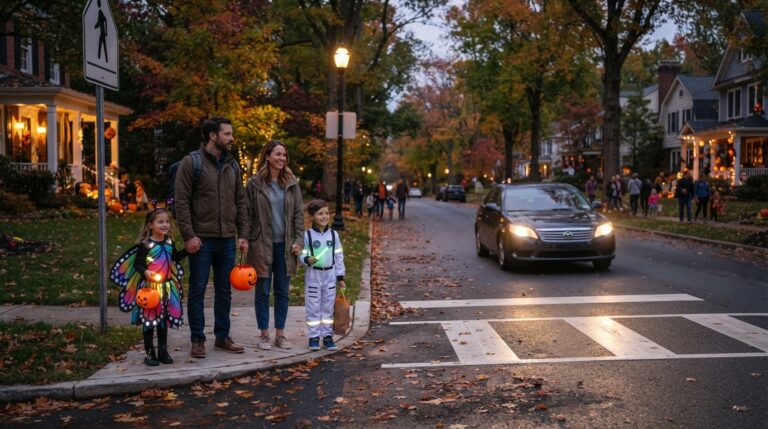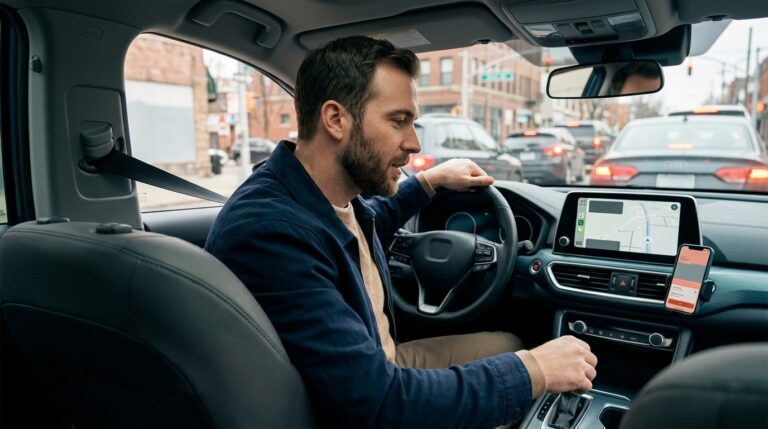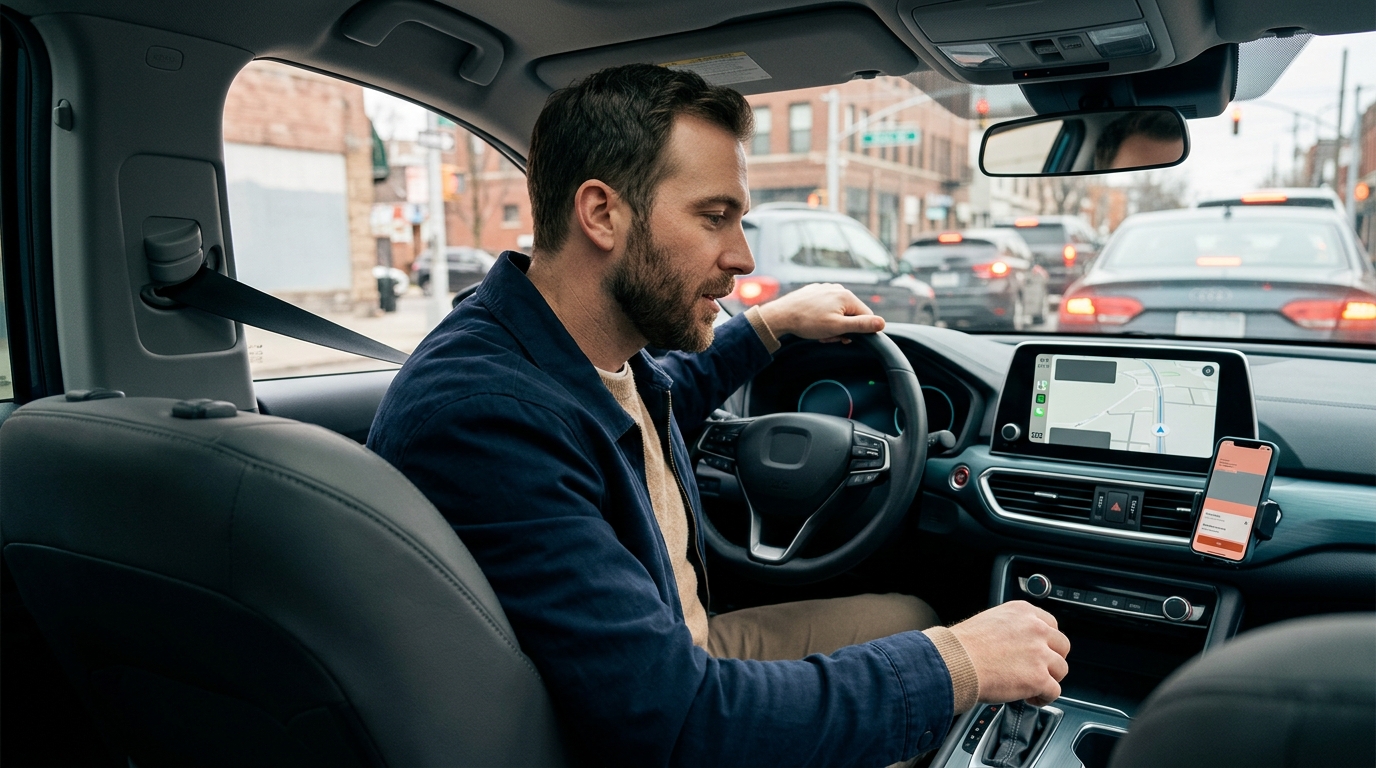
Distracted driving includes more than texting. A driver can be visually distracted by looking away, manually distracted by taking a hand from the wheel, or cognitively distracted by focusing on a conversation, navigation task, passenger, or problem inside the vehicle. Modern dashboards add another layer because many controls now sit behind touchscreens and menus.
NHTSA reports that 3,208 people were killed and an estimated 315,167 were injured in U.S. traffic crashes involving distracted drivers in 2024. The agency also cautions that distraction can be difficult to detect and document after a crash. That makes early evidence preservation especially important when a phone, infotainment system, wearable device, or in-vehicle screen may have affected the driver’s attention.
This guide explains what evidence may exist, how to preserve it without altering it, and why no single record should be treated as proof by itself. Laws governing phone records, privacy, access, and evidence preservation vary, so serious or disputed crashes may require help from a licensed attorney and qualified digital or vehicle-data professionals.
Identify the Distraction and Preserve Evidence Early
Begin with the full driving environment rather than assuming that a phone caused the crash. Distraction can involve a handheld device, a hands-free call, an infotainment screen, a passenger, food, grooming, a dropped object, an animal, or a work-related task. A careful investigation compares physical evidence, witness accounts, digital timestamps, and driver behavior instead of building the case around one theory too quickly.
Separate Phone Use, Touchscreen Use and Other Distractions
Document the scene, driver behavior and visible devices
Call emergency services when anyone is injured or the scene remains dangerous. After immediate safety needs are addressed, photograph the vehicles, final positions, damage, debris, tire marks, signals, signs, lane markings, lighting, weather, and sightlines. Note whether the collision happened near a crosswalk, work zone, intersection, or stopped traffic where a delayed reaction may matter.
Record what you personally observed without adding assumptions. Examples include a phone in the driver’s hand, a device mounted near the windshield, earbuds, food containers, an open makeup kit, a pet in the front seat, or an active dashboard screen. If the driver said, “I was changing the map,” “I looked down,” or “I did not see you,” write the words and the approximate time. Do not secretly enter another person’s vehicle, unlock a device, or photograph private content that you are not legally allowed to access.
Ask witnesses for contact details and a short description of what they saw. A pedestrian, passenger, nearby driver, cyclist, or shop employee may have noticed the driver’s head position, lane movement, braking, or speed. Identify nearby dashcams, doorbell cameras, buses, businesses, and traffic cameras. Many systems overwrite footage quickly, so preservation requests should be made promptly.
Preserve phones, apps and account information without changing them
If you control a phone involved in the crash, do not delete messages, call history, photos, browser history, navigation activity, notifications, app data, or screen-time records. Avoid factory resets, operating-system updates, device replacement, or account deletion until relevant information has been preserved. Keep the original device, charger, SIM information, and associated account details in a secure location.
Take screenshots only as a practical backup; screenshots are not a complete forensic copy and can omit metadata. A qualified examiner may be needed when the timing, source, or authenticity of digital activity is disputed. Carrier records may show that a call or text transmission occurred, but they may not reveal who was holding the phone, whether the driver read a message, or what happened inside an encrypted or internet-based app.
Save connected records such as smartwatch notifications, vehicle-pairing history, navigation routes, rideshare logs, work-dispatch messages, cloud backups, and photographs created around the crash time. Preserve original files and filenames. Do not edit, crop, or repeatedly forward the only copy of an important photo or video.
Build a Timeline From Multiple Independent Sources
Collect vehicle, camera, telematics and third-party records
A vehicle may contain information in its event data recorder, infotainment system, telematics platform, paired-device list, navigation history, driver-monitoring system, dashcam, or diagnostic modules. Available data differ by make, model, year, equipment, and crash severity. An event data recorder may capture elements such as speed, braking, accelerator input, seat-belt use, or change in velocity, but it is not automatically a complete record of phone or touchscreen use.
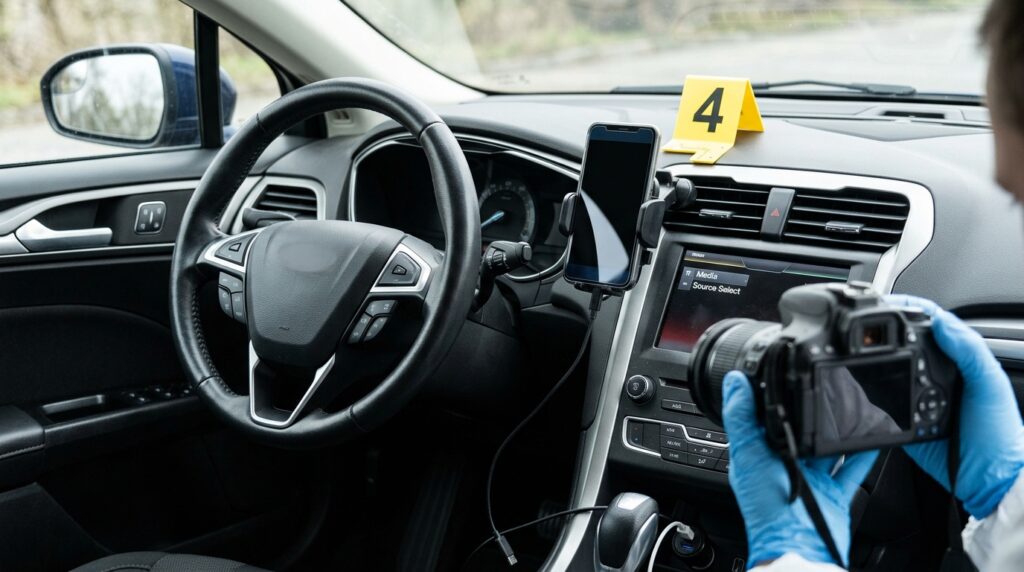
Photograph the dashboard, center screen, steering-wheel controls, phone mounts, charging cables, warning messages, software version, vehicle identification number, and any camera or sensor locations. Ask that the vehicle not be repaired, destroyed, sold, reset, or updated before an appropriate inspection when electronic evidence may be important. Use the same preservation approach described in Injory’s driver-assistance crash evidence guide.
Other useful sources may include 911 calls, police body-camera video, toll records, receipts, workplace systems, delivery-platform activity, and emergency notifications. Compare timestamps carefully because devices may use different time zones, inaccurate clocks, delayed synchronization, or server times rather than the exact moment of interaction.
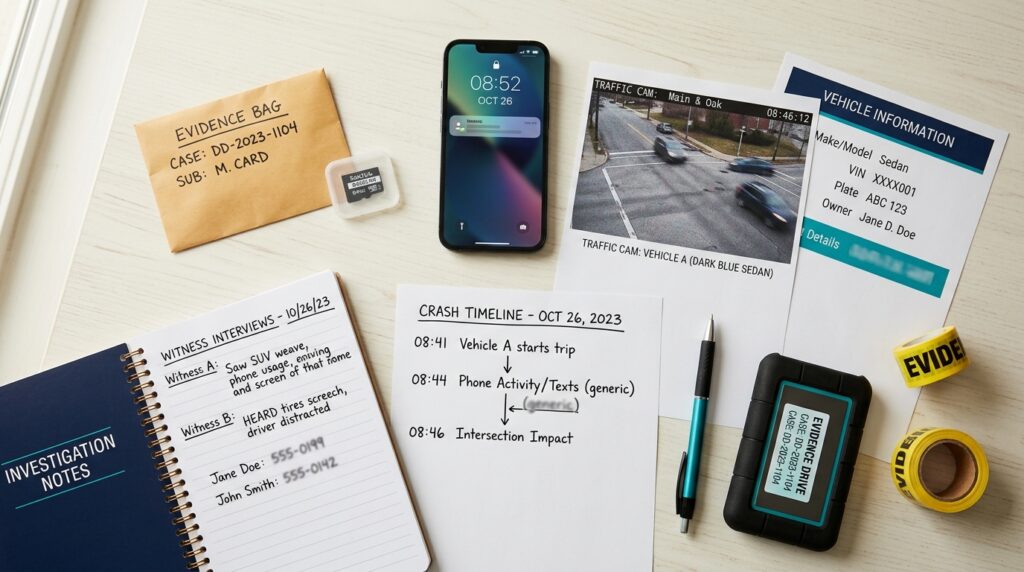
Create an evidence index listing each item, where it came from, when it was obtained, and where the original is stored. Keep an untouched original and use copies for review. A strong timeline may show that a message arrived before the crash, a vehicle began drifting seconds later, a witness saw the driver looking down, and braking occurred late. Each source adds context; none should be stretched beyond what it can actually establish.
Protect Your Recovery, Claim and Future Driving Habits
Evidence preservation should not replace medical care. A distracted-driving collision can cause concussion, neck and back injuries, fractures, internal injuries, and psychological distress even when vehicle damage appears limited. Seek urgent help for emergency symptoms, and obtain a timely evaluation when pain, dizziness, confusion, weakness, numbness, breathing difficulty, or other symptoms develop.
Keep medical records, work restrictions, bills, repair estimates, rental costs, photographs, police reports, insurer correspondence, and a factual symptom log. Injory’s concussion warning-sign guide explains delayed symptoms that may follow a crash, while the claims and legal basics library provides broader documentation guidance.
Communicate Carefully and Reduce Distraction Going Forward
Do not post accusations, device screenshots, crash theories, or statements about fault on social media. Do not delete existing posts or messages after a dispute begins without obtaining appropriate advice, because preservation obligations may apply. When speaking with insurers or investigators, distinguish what you saw from what you inferred. “The driver was looking down” is an observation; “the driver was texting” may be a conclusion unless supporting evidence exists.
Recorded statements, broad device authorizations, and settlement documents can carry consequences. Read requests carefully, keep copies, and consider legal guidance when the crash caused serious injury, involved a commercial driver, or requires access to private records. A licensed attorney can address record requests, subpoenas, preservation letters, and deadlines. A digital examiner or reconstructionist may be needed to interpret technical data.
Prevention starts before the vehicle moves. Set navigation, climate controls, playlists, and accessibility features while parked. Enable a driving-focus or do-not-disturb mode, place the phone out of reach, and ask a passenger to handle messages or route changes. Pull over in a safe place for tasks that cannot wait. Hands-free operation can reduce manual interaction, but a demanding conversation can still take attention away from driving.
Avoid evidence mistakes and build safer routines
Learn the physical controls and voice functions in a new vehicle before driving. Avoid searching through layered touchscreen menus in motion. If a setting is difficult to change without looking away, wait until the vehicle is safely parked. Employers should avoid policies or schedules that pressure workers to read, type, dispatch, or respond while driving, and families should agree that delayed replies are acceptable when someone is on the road.
For current national safety information, statistics, and prevention resources, visit NHTSA’s distracted-driving resource center. Continue exploring Injory’s road and traffic injury guides and recovery and rehabilitation resources for practical next steps after a collision.
A distracted-driving investigation is strongest when it begins with facts, preserves original devices and records, and compares several independent sources. A phone log, touchscreen photo, or witness statement may be important, but each has limits. Acting early gives qualified professionals a better chance to determine whether distraction contributed to the crash and helps prevent valuable evidence from being overwritten or misunderstood.
This article provides general educational information and is not legal, digital-forensics, insurance, or medical advice. Privacy laws, device-access rules, evidence-preservation duties, and filing deadlines vary by jurisdiction. Call emergency services for urgent injuries and seek qualified professional guidance for a serious or disputed crash.